






 A return service visit can begin with a different technician, a new office contact and a customer who assumes the company already knows what happened last time. A useful equipment history lets those people find the same context without relying on someone else’s memory. The goal is a brief, traceable record that separates reported symptoms, recorded observations, work performed and decisions still outstanding.
That record supports the technician’s preparation. It does not establish the present condition of the equipment or replace a fresh evaluation, manufacturer instructions or the company’s service procedures.
Start with the right equipment
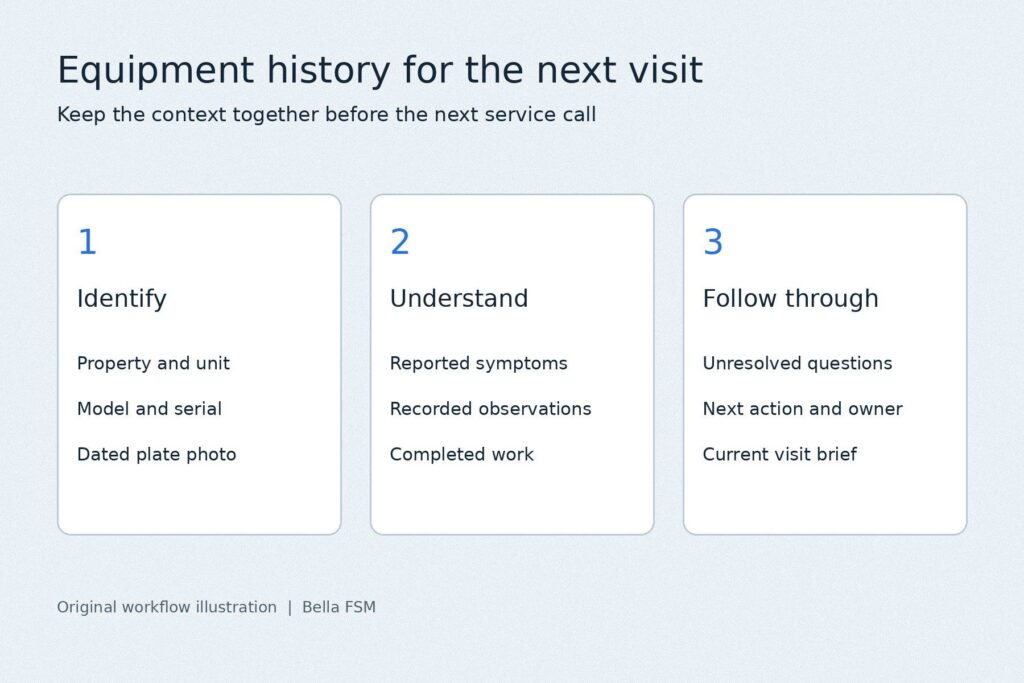
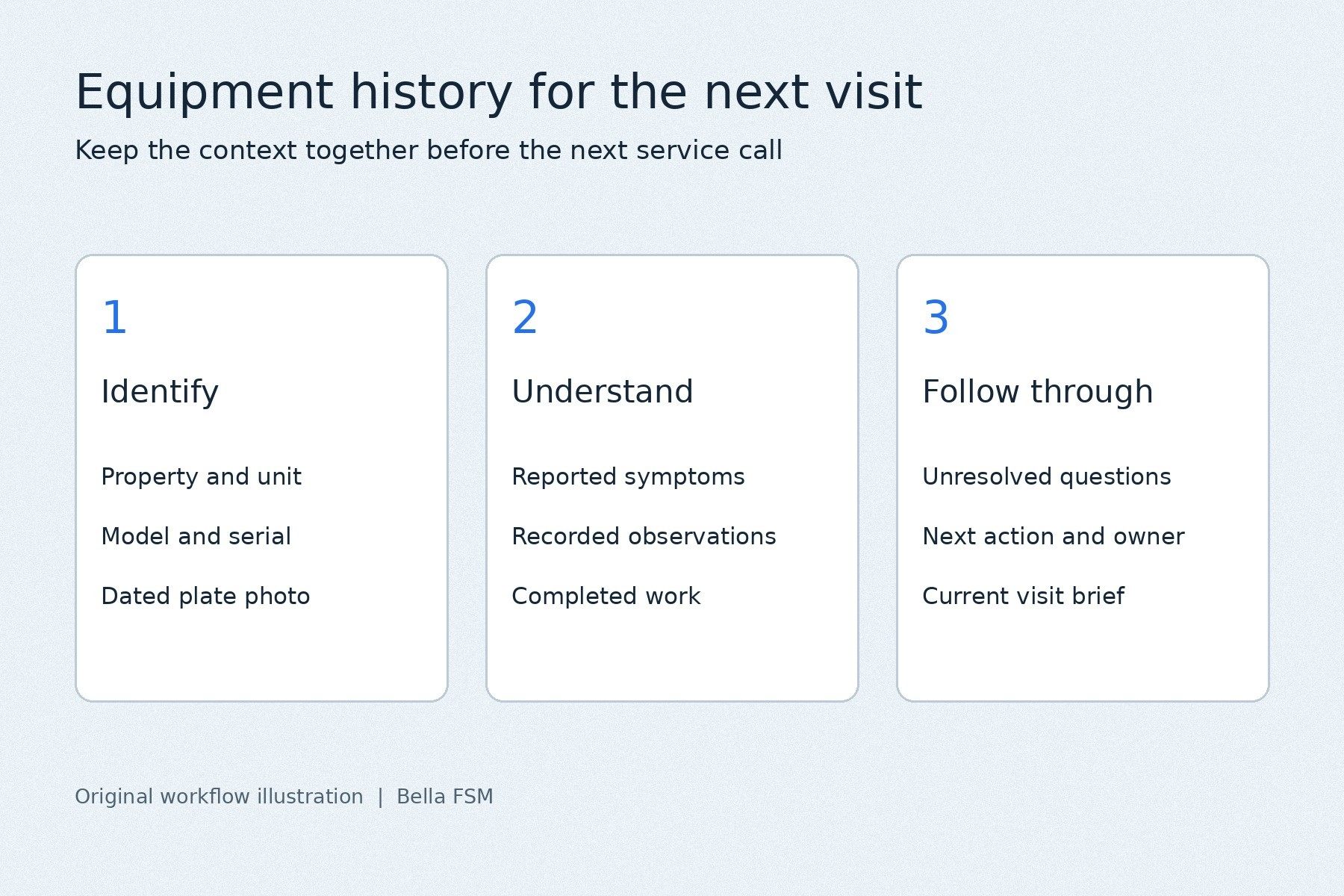
Keep the property, unit location and equipment identifier together. Where available, record the manufacturer, model and serial number and retain a readable photograph of the identification plate. A building may contain several similar units, so an address alone may not identify the equipment involved in the earlier visit.
Use the same equipment reference on visit notes, photographs and supporting documents. If a previous entry is incomplete or conflicts with a plate photograph, flag the uncertainty for verification rather than silently copying it into the next work order.
Separate the customer’s report from the service observations
Preserve the original concern in plain language, including when the customer says it occurs. Keep that report distinct from what the technician observed. An intermittent complaint and a condition observed during a visit are different kinds of information; the next reader should be able to tell which is which.
Date each entry and identify its author. When measurements are recorded, preserve the units and the relevant operating context recorded by the technician. An isolated number without context may be difficult to interpret. Do not rewrite an uncertain observation as a confirmed cause simply to make the summary sound more definite.
Record what was actually completed
Distinguish proposed work, approved work and work performed. Note the components used and link relevant receipts or supporting documents where they help explain the service history. Keep the completion note specific enough that another person can understand the intervention without reconstructing a conversation.
If the work changed during the visit, preserve the change and the associated customer decision. A later coordinator needs to know whether a recommended action was completed, deferred, declined or left awaiting a response. Those states should not all appear as a generic closed job.
Give every unfinished action an owner
A service call may end while the job still needs a part, another appointment or a customer decision. Record the next action, the person responsible and the next review or update date. Keep an expected part arrival separate from a confirmed appointment.
Before the office books a return, check that the receiving technician can access the current brief and its supporting records. Confirm access arrangements for the new visit rather than assuming that the earlier arrangement remains valid.
Use a short summary with the supporting history behind it
The next technician should not need to read an entire document archive just to understand why the visit is booked. Provide a short summary of the current concern, relevant earlier work and open questions, with links or references to the detailed records. Keep the original dated notes available so the summary does not become the only surviving account.
For example, a fictional office coordinator schedules a return after a part becomes available. The brief identifies the specific unit, retains the first technician’s observations and clearly states which work the customer approved. The part status and next responsible person are visible. The returning technician can prepare using that context while still verifying conditions on site. This is an illustrative workflow, not a documented customer result.
Start with a simple review of several recent return jobs. Could a person who did not attend the first visit identify the equipment, understand what happened and see what remains open? Use the missing information to improve the next handoff. The most useful equipment history is one the field and office teams can both find, interpret and keep current.
About the author: John Linn is founder and CEO of Bella FSM. His work focuses on scheduling, job records and office-to-field workflows. Bella FSM provides HVAC field service software.